 Mobmote
Mobmote
Mobmote
Turn your smartphone into the ultimate remote control for your computer. Mouse, keyboard, macros, and media controls at your fingertips.
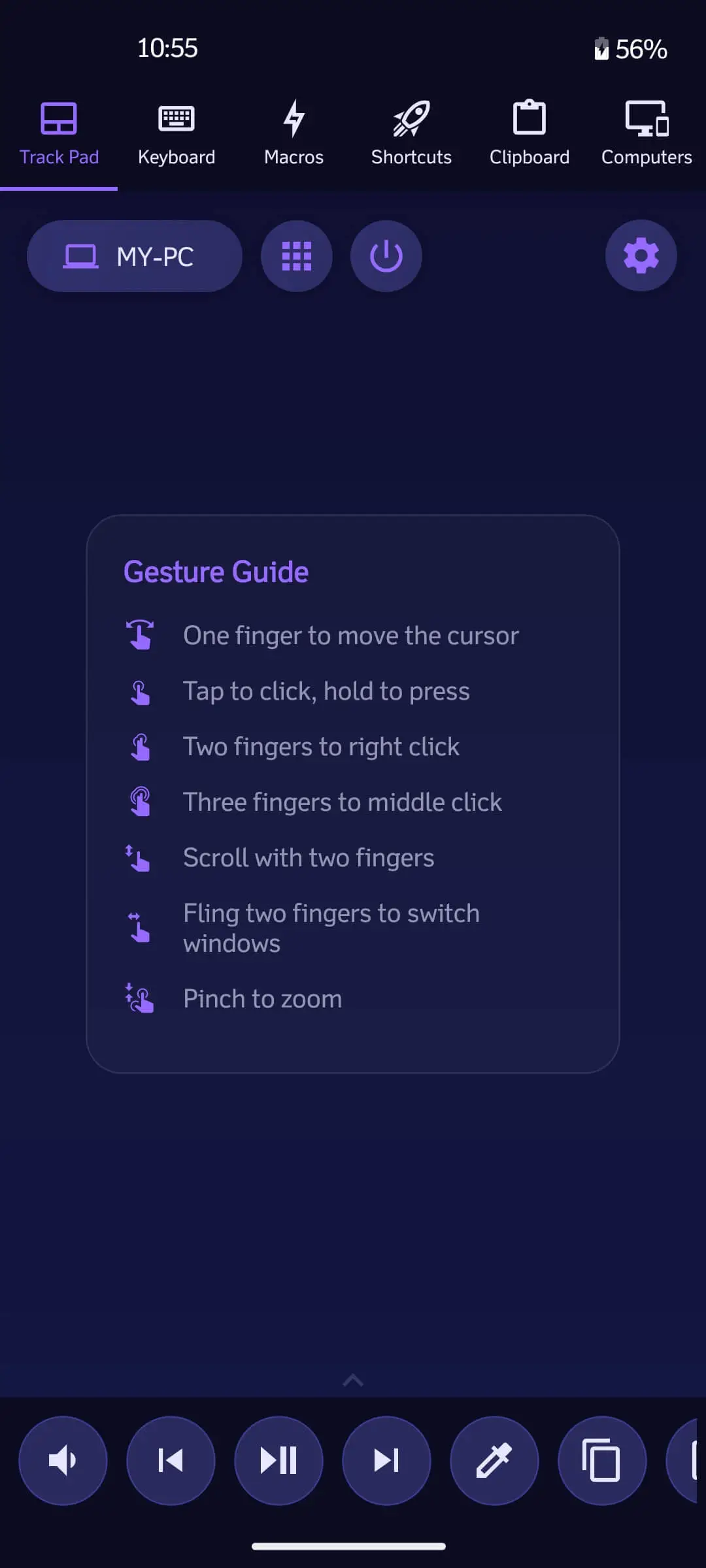
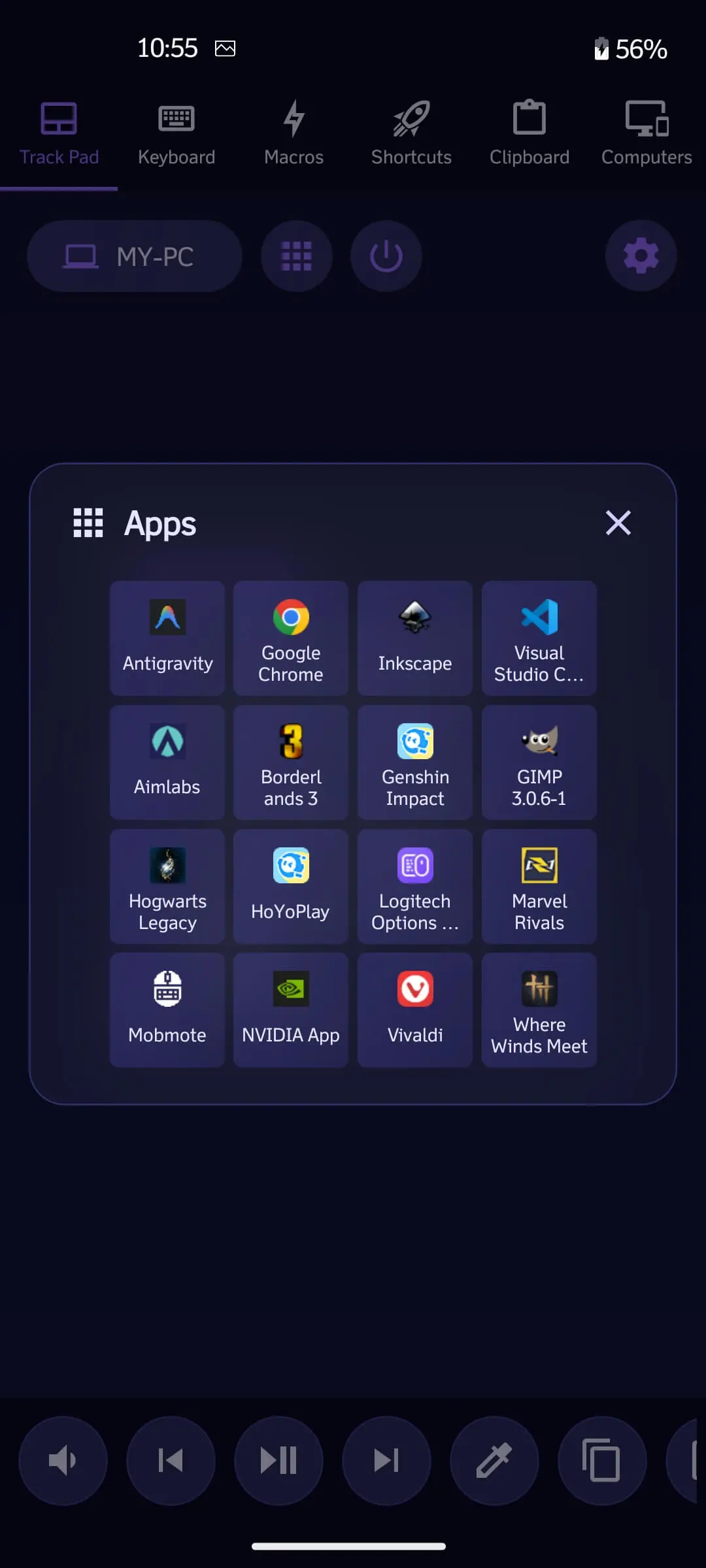
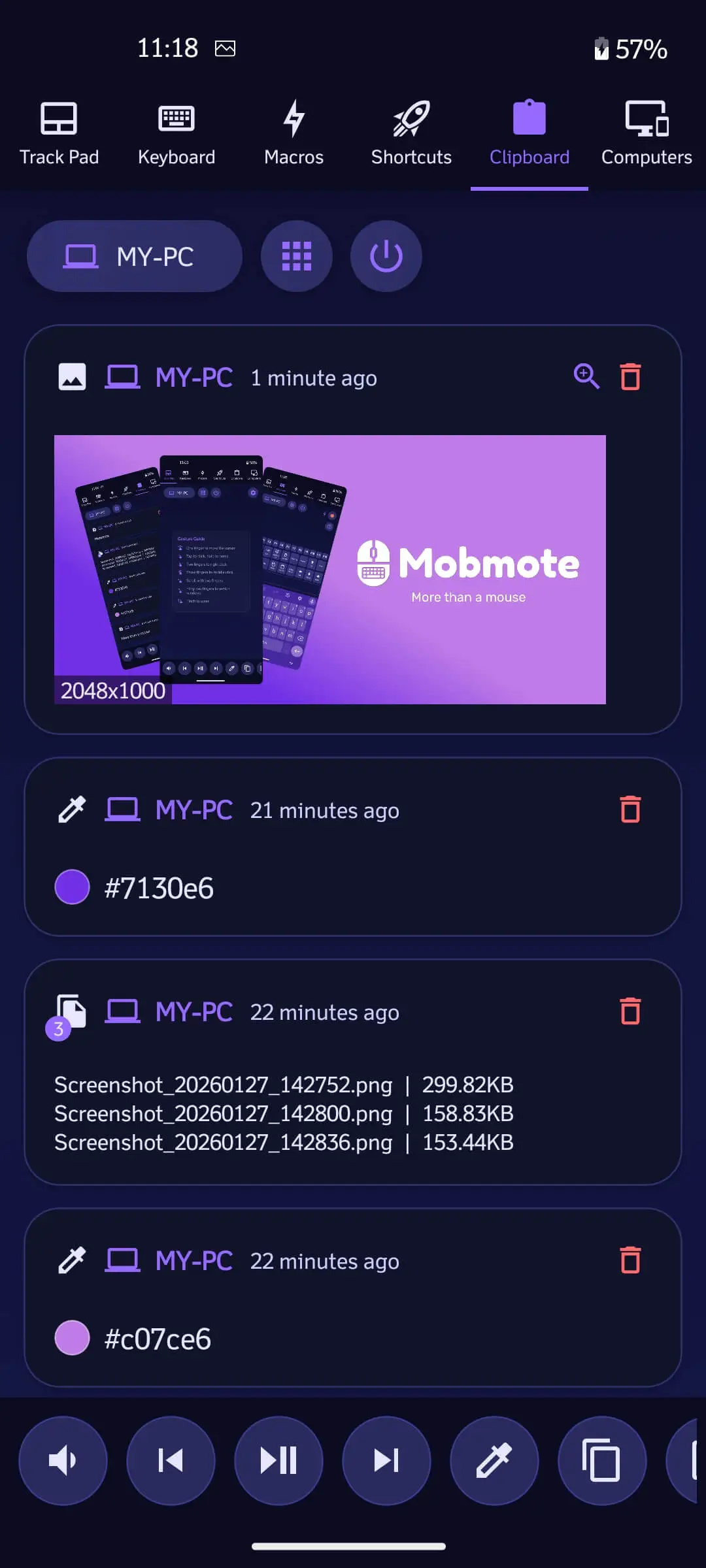
Use your phone's screen as a responsive trackpad with multi-touch gestures and momentum scrolling for precise cursor control.
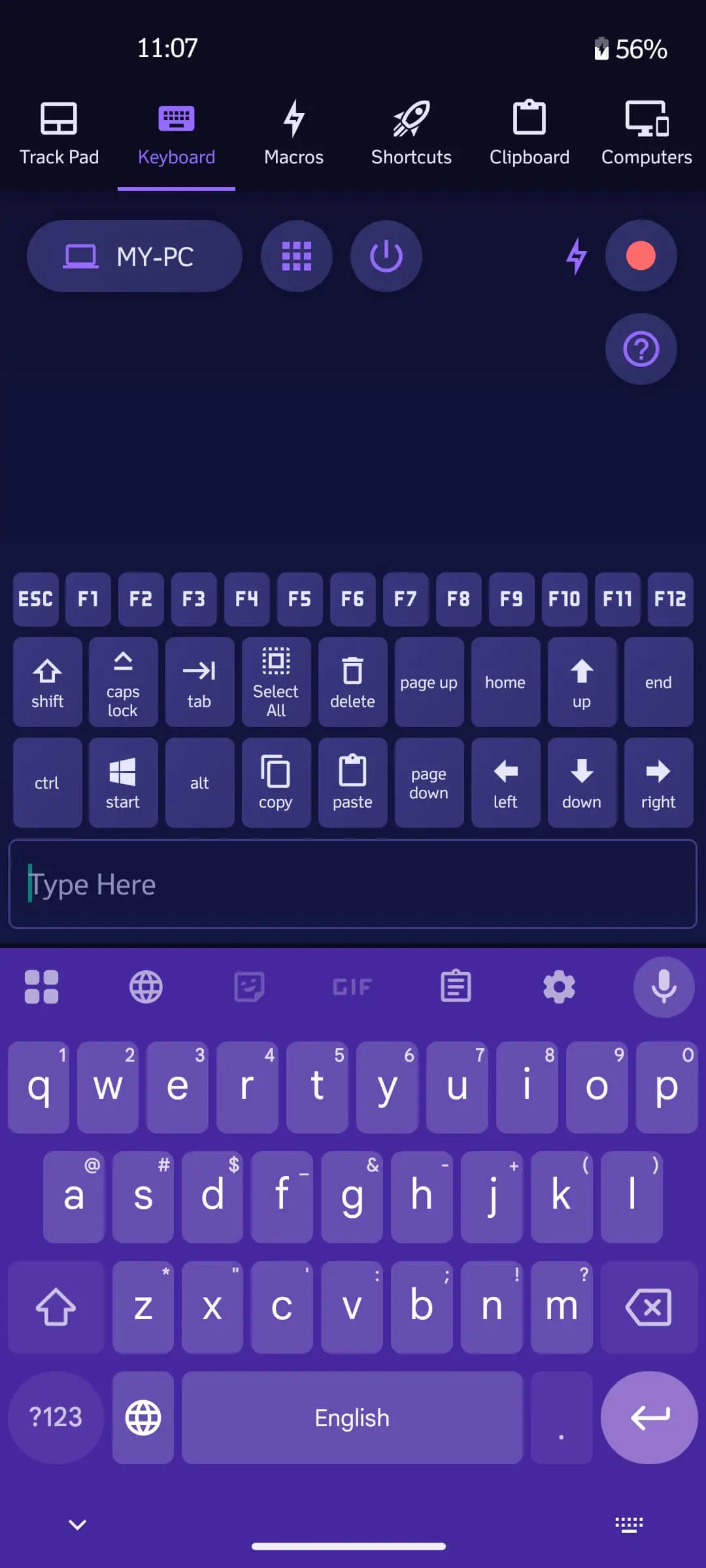
Type on your PC using your phone's keyboard. Includes special keys (Ctrl, Alt, Win) and function keys.
Browse and manage files on both your PC and phone. Wirelessly transfer files between devices instantly.
Switch between multiple connected computers instantly. Manage all your devices from a single app without needing to disconnect.
Create custom buttons to launch apps, execute shortcuts, or run scripts with a single tap.
Play, pause, skip tracks, and adjust volume from anywhere in the room. Perfect for home theaters.
End-to-end encryption ensures your keystrokes and commands are safe. Works offline over your local Wi-Fi.
Simply scan the QR code on your desktop screen to connect instantly. No complex configuration needed.
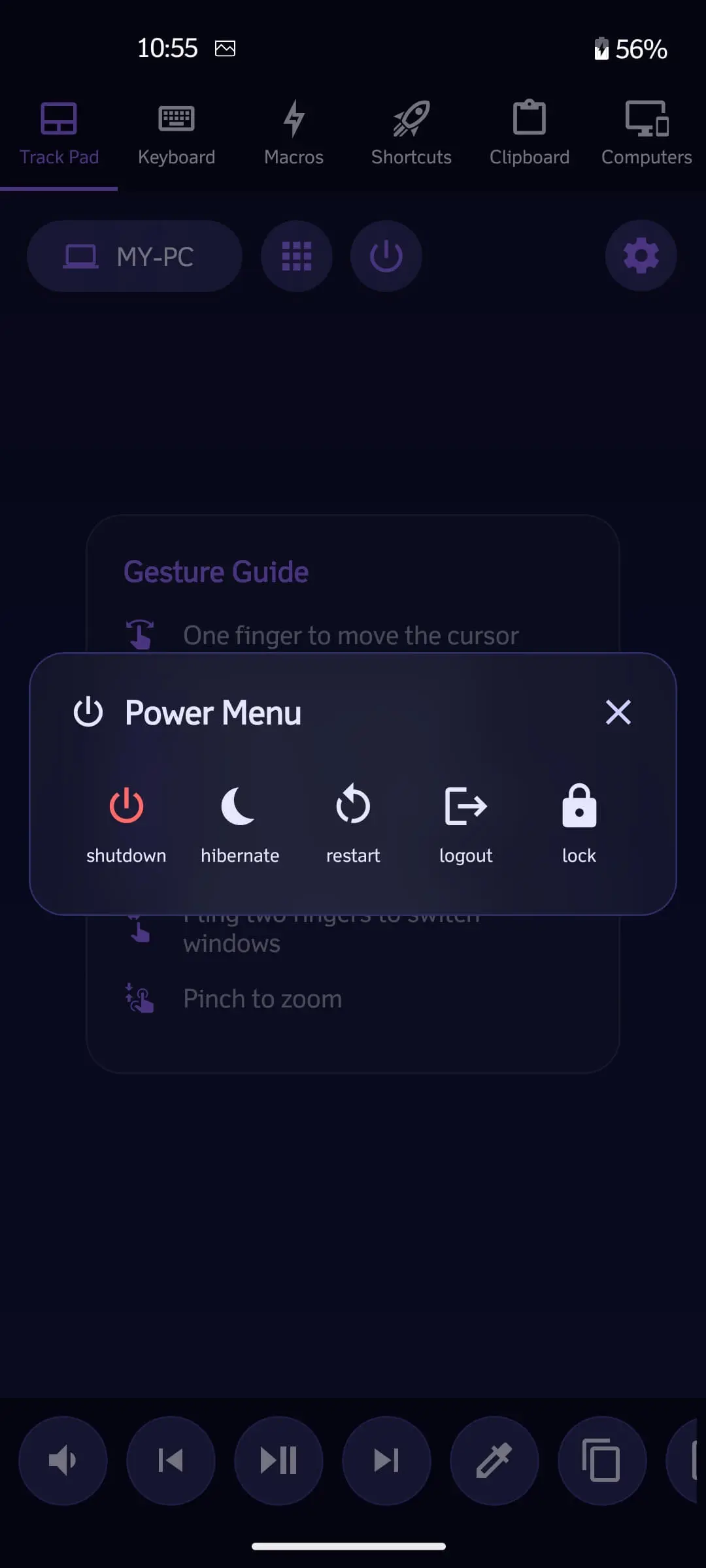
Remotely Shutdown, Restart, Log Off, or Hibernate your PC. Manage power settings from the comfort of your bed.
Download and run the Mobmote Desktop Server on the computer you want to control.
Get the Mobmote Client app on your phone. Make sure both devices are on the same Wi-Fi network.
Open the mobile app and scan the QR code displayed on your desktop. You're connected!